
Preschool Speech Therapy Digital Products: SLP Guide
Choosing preschool speech therapy digital products? Learn what to look for, how to use story-based resources, and where to try a free sample.
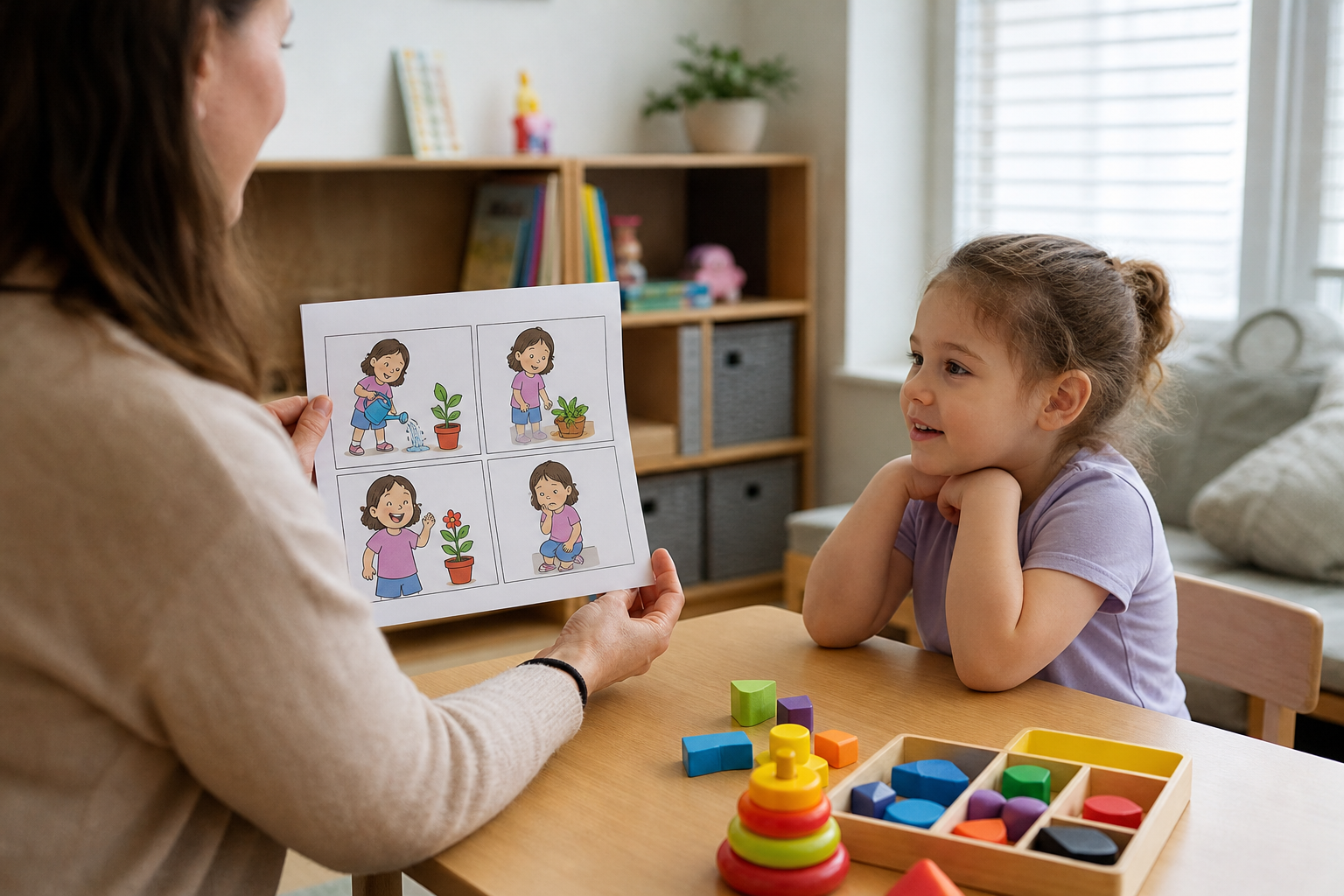
Preschool speech therapy digital products are downloadable materials, such as illustrated stories, tip sheets, and sound-practice narratives, that help adults support young communicators. For busy SLPs and educators, a good download saves prep time and makes modeling easier. This guide explains what these products are, how to compare them, and how to try one with no pressure.
Quick answer: Match the resource to your goal (core vocabulary, articulation, or team modeling). Preview it first, confirm the current listing details, and then adapt it to the child in front of you.
What Are Preschool Speech Therapy Digital Products?
They are downloadable tools made for the adults who support children, mainly ages 2 to 7. Examples include short illustrated stories, planning calendars, and tip sheets. As a result, you get ready-to-use language models without starting from scratch.
They are tools, not treatment plans. These resources provide educational support and do not replace individualized assessment, clinical judgment, or speech-language therapy. An SLP should select speech targets and cues for each child.
A short shared story is one way preschool speech therapy digital products fit into a session.
Why Story-Based Digital Resources Work Well for Young Children
A predictable, playful context
Stories give children a familiar frame. Consequently, the same words appear again and again in a natural way. Adults can pause, point, and model without turning the moment into a drill.
Easy carryover between settings
In addition, stories travel well. A resource used in a therapy room can also go home or into a classroom. For more ideas, see these story-based speech therapy resources for young children.
Types of Digital Speech Resources to Consider
Core Stories for core vocabulary and AAC
Core vocabulary means the common words, like go, more, and help, that are used across many situations. Augmentative and alternative communication (AAC) covers tools and strategies that support communication, from gestures to devices. Core Stories from Little Speech Corner focus on one Core Word. They support aided language modeling, where an adult models words on the child's own communication system.
The same disclaimer applies here: an SLP should choose the core words and cues that fit each child, and the child's full AAC vocabulary stays available at all times.
Sound Stories for articulation practice
Sound Stories are illustrated, sound-loaded narratives. They offer repeated chances to hear selected speech sounds in connected language. A clinician chooses the target speech sounds and any follow-up practice. These resources provide educational support and do not replace individualized assessment, clinical judgment, or speech-language therapy.
Team Supports for school and home carryover
Core Word Tip Sheets and a planning calendar help adults model shared vocabulary across settings. Therefore, teachers, aides, and caregivers can use the same words. The guide for busy school-based SLPs covers more on this.
What to Look for in Preschool Speech Therapy Digital Products
Before you download anything, check a few practical details. Specifically, ask whether the product saves you real prep time and whether you can adapt it on the spot.
- Clear purpose: one focus, such as a single Core Word or a set of target sounds.
- Age-appropriate design: simple illustrations, short text, and room for pointing and pausing.
- Flexibility: space for child-led play and for every communication mode.
- Preview availability: a preview or free sample you can read before buying.
- Transparent listing: included files, formats, and licensing stated on the current TPT page.
How Read, Model, Play Fits a Session
Read, Model, Play is Mrs. Gwen's signature routine. A short Core Story takes about five minutes of shared reading and core-vocabulary modeling. Then comes interaction and child-led play.
The five minutes describes the routine, not a promised result. Keep the child's full AAC vocabulary available, and never require repetition. Every communication mode counts.
How to Choose the Right Digital Product in 5 Steps
- Name the goal. Decide whether you need core vocabulary modeling, articulation practice, or team supports.
- Check the age fit. Look at illustrations, text length, and language level for children around ages 2 to 7.
- Preview first. Read the sample aloud once to see how it flows.
- Confirm listing details. Check the current TPT listing for included files, formats, and licensing.
- Try it and adjust. Follow the child's lead and adapt targets and supports to that learner.
Where Little Speech Corner Fits
Little Speech Corner creates story-based digital resources for SLPs, special educators, and classroom teams. Gwen Swire, M.A., CCC-SLP, known as Mrs. Gwen, has more than 20 years of experience across early intervention, preschool, elementary, and family settings. Her credentials describe her background; they are not an endorsement or validation of any product.
Available resources include individual Core Stories, the Core Stories Foundational 53-Pack, Sound Stories, and team supports. Purchases and free downloads happen through the store on Teachers Pay Teachers (TPT). Storytime Stories and Story Builders are still in development.
Try a Free Sample Before You Buy
Free examples include Apples for Anna (THERE), a calendar with a sample Core Story, and SW and CH Sound Story samples. Trying one is a gentle way to see whether the style suits your learners. You can also browse printable speech and language resources for preschool SLPs or these literacy-based activities for preschoolers.
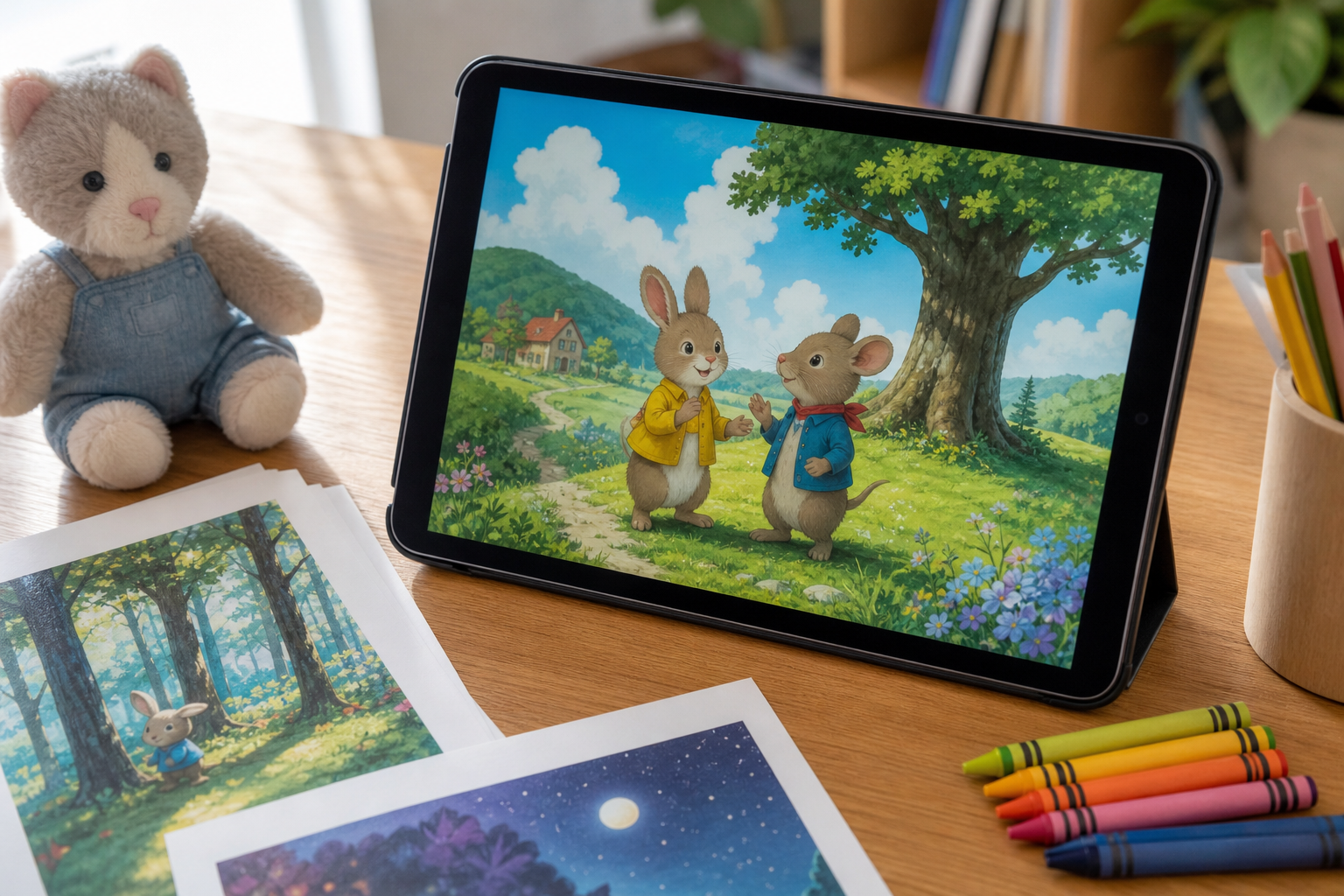
A digital story preview helps you judge fit before you download.
Common Mistakes to Avoid
- Choosing by cover art without a preview.
- Assuming one resource fits every child.
- Sharing files with staff before checking licensing.
- Limiting a child's access to their full AAC vocabulary.
Screen time and professional background
Screen use matters too. For families, balancing screen time and speech offers practical tips. For background on the profession, see ASHA.
Frequently Asked Questions
What are preschool speech therapy digital products?
They are downloadable materials, such as illustrated stories, sound-practice narratives, and tip sheets, that support speech and language work with young children. Preschool speech therapy digital products are tools for adults and do not replace an SLP's judgment.
Who uses digital speech resources?
School-based and private-practice SLPs, early childhood special educators, classroom teams, and caregivers use them. Many are designed mainly for children ages 2 to 7.
Are digital resources the same as screen time for kids?
Not necessarily. Many downloads are printed or shared in a guided, adult-led way, so the focus stays on interaction rather than passive viewing.
What is core vocabulary?
Core vocabulary is the small set of common words, like go, more, and help, that make up a large share of everyday speech. They are useful across many settings and activities.
What is AAC?
Augmentative and alternative communication (AAC) includes tools and strategies, from gestures to speech-generating devices, that support communication. The child's full communication system should always stay available.
How does Read, Model, Play work?
An adult shares a short Core Story in about five minutes, models the target core word, then moves into interaction and child-led play. The five minutes describes the routine, not a promised outcome.
What are Sound Stories?
Sound Stories are illustrated narratives loaded with selected speech sounds. An SLP chooses the target sounds and any follow-up practice.
Can I try a resource before buying?
Yes. Free samples include Apples for Anna (THERE), a calendar with a sample Core Story, and SW and CH Sound Story samples through Teachers Pay Teachers.
Where do I download Little Speech Corner resources?
Purchases and free downloads are completed through the Little Speech Corner store on Teachers Pay Teachers (TPT).
Can I share a resource with my whole school team?
Check the current TPT listing and its licensing terms first. Sharing rules vary, so confirm before distributing files to staff.
What mistakes should I avoid when choosing resources?
Avoid choosing by cover art alone, skipping the preview, or expecting a download to fit every child. Match the resource to the learner and the goal.
Do these resources replace speech therapy?
No. They provide educational support and do not replace individualized assessment, clinical judgment, or speech-language therapy.
Conclusion
Good preschool speech therapy digital products make modeling easier, keep play at the center, and respect every way a child communicates. Start with your goal, preview a free sample, confirm the TPT listing details, and adapt to each learner. Then explore Little Speech Corner to find a Core Story or Sound Story that fits.
These resources provide educational support and do not replace individualized assessment, clinical judgment, or speech-language therapy. An SLP should select speech targets and cues for each child.
